Free Tool

Facebook Post Generator

Facebook post generator for your business page. Pick your business, say what the post is about, and get a real post to copy, not a mockup of one. It uses the AI behind the KontentFire app and adds no hashtags. Free, with no sign-up.

AI Facebook post generator

0/200

Written by AI, the same AI the KontentFire app writes its posts with. One post per click. Check it before you post.

Example Facebook posts for local businesses

Real posts this tool wrote, copied as written. Above each one is what we asked for: the business, the topic and the tone.

Facebook post for a roofing company

Topic: checking your roof for damage after a big storm. Tone: Friendly.

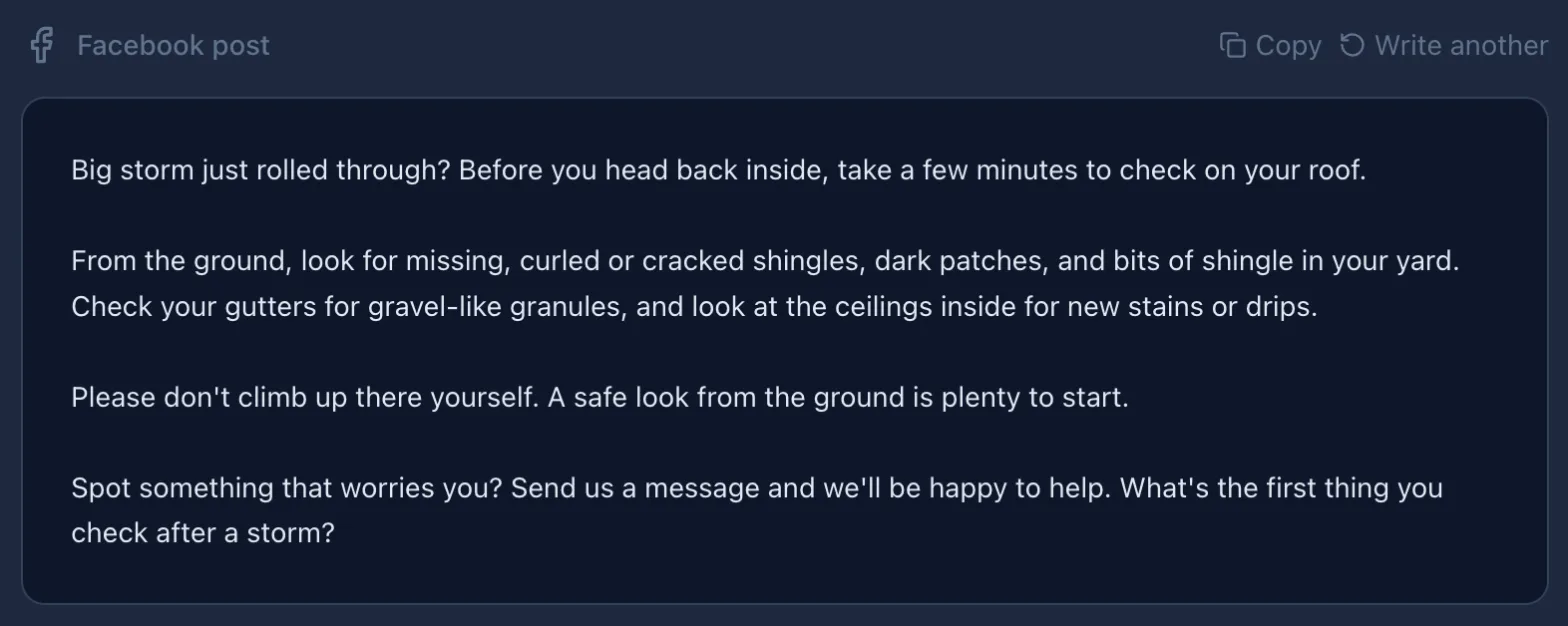
Big storm just rolled through? Before you head back inside, take a few minutes to check on your roof. From the ground, look for missing, curled or cracked shingles, dark patches, and bits of shingle in your yard. Check your gutters for gravel-like granules, and look at the ceilings inside for new stains or drips. Please don't climb up there yourself. A safe look from the ground is plenty to start. Spot something that worries you? Send us a message and we'll be happy to help. What's the first thing you check after a storm?

Facebook post for a house cleaning business

Topic: a quick spring cleaning checklist for busy families. Tone: Upbeat.

Spring is here, and we know your to-do list is already full! Here's a quick checklist for busy families: Open the windows and let fresh air in. Wipe down baseboards and light switches. Wash bedding and curtains. Clear out the junk drawer and the hall closet. Mop floors last so they stay fresh. Tackle one task a day and it won't feel like a chore. Want a hand with the bigger jobs? Send us a message and we'll help you get your home sparkling. What's first on your spring cleaning list?

Facebook post for a neighborhood bakery

Business typed in under Something else. Topic: our fresh sourdough loaves are back on Saturday mornings. Tone: Friendly.

Good news, neighbors: our fresh sourdough loaves are back on Saturday mornings! There's nothing quite like a warm loaf with a crackly crust to start the weekend. Whether you slice it for toast, build a sandwich or tear into it right at the table, we think it's worth the early trip. Stop by, say hello and pick one up for your Saturday. What's your favorite way to enjoy fresh sourdough?

How the Facebook post maker works

  1. Pick your business

    Choose your trade from the list, or pick Something else and type your kind of business, such as a bakery or a salon.

  2. Say what the post is about

    Type it the way you would tell a customer: a seasonal tip, a job you just finished, or news such as new opening hours. Pick a tone if you like.

  3. Check it and post it

    Read the post and add your own details, such as your phone number or an offer. Then copy it into a new post on your Facebook page. For a different version, click Write another, then Write my post again.

Facebook post generator showing the roofing post it wrote about checking for storm damage
The roofing example above, as the tool shows it, with Copy and Write another.

Each click writes one Facebook post:

  • a short post that ends with a question or an invitation to get in touch
  • no hashtags
  • written as your business ("we") for your local customers
  • told never to make up prices, phone numbers, reviews or names, so add your own

Post it from KontentFire

This free tool writes one post at a time, and you post it yourself. The KontentFire app writes your posts, suggests a posting time and publishes them to your Facebook page, Instagram and LinkedIn at the times you set.

KontentFire phone app showing a Facebook post draft with a picture the app made
FAQ

Questions

Is this Facebook post generator really free?

Yes. There is no sign-up and no email to give. Each click writes one Facebook post. To keep it free, each visitor can ask for a few posts an hour. That allowance is shared by the free tools on this site, and the tools together have a daily and a monthly limit.

Is this a Facebook post mockup maker?

No. A mockup maker draws a picture of a fake Facebook post, for a slide or an ad preview. This tool writes the words of a real post for your business page, which you copy and post yourself.

Does it add hashtags or emojis?

No hashtags: the tool takes out any the AI adds to a Facebook post. The AI is told to write plain text with no emojis, so add one yourself if it suits your page.

Can I post what it writes?

Yes, it is yours to edit and post. Read it first: the writer is told not to invent facts, prices or names, but you know your business best and any AI can get a detail wrong.

Write your next Facebook post

Write a Facebook post

Need Instagram or LinkedIn too? More free writers:

Need ideas for what to post? Read our guides to what to post on Facebook, Instagram marketing and LinkedIn marketing.