AI Images for Your Social Media Posts
KontentFire's AI image generator can make a picture for any post you write: square for Instagram, wide for Facebook and LinkedIn. Pick a photo, a text card, or no picture at all.
How the Pictures Are Made
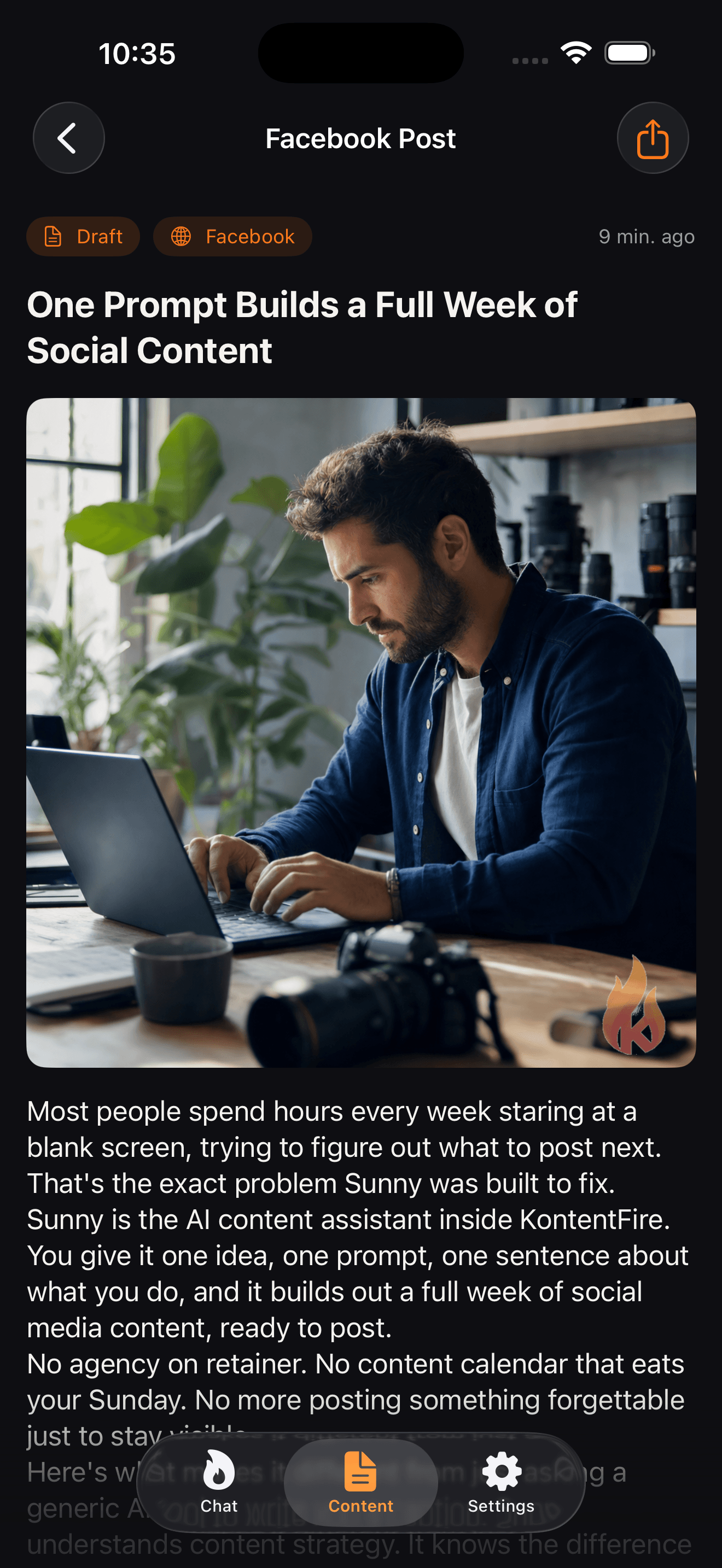
An AI Photo for the Post
Pick AI Photo when you make a post and KontentFire makes a picture to match what the post says.
Or a Text Card
A Text Card puts your headline in bold type on your primary brand color, the one you save on the Brand tab in Settings.
Sized for the Network
Square pictures for Instagram, and wide ones for Facebook and LinkedIn.
A Second Try if the First Fails
If the first picture maker cannot make your picture, a second one makes it instead.
Good to Know
Common Questions
How are the images made?
The AI built into KontentFire makes each image for your post. If the first picture maker cannot make one, a second one steps in.
What sizes are the pictures?
Square for Instagram, and wide (landscape) for Facebook and LinkedIn.
Which picture styles can I pick?
AI Photo, a picture made to match the post; Text Card, your headline in bold on your primary brand color; or None, for a post with no picture.
Is there a logo on the pictures?
On the Free and Spark plans, pictures carry the KontentFire logo. On Blaze they come without it.
Who owns the images?
Our Terms of Service say you keep ownership of the content you create or generate with KontentFire, pictures included.
Related Features
Ready to Add Pictures to Your Posts?
Start on the Free plan and make your first post with a picture in a few minutes.